 By
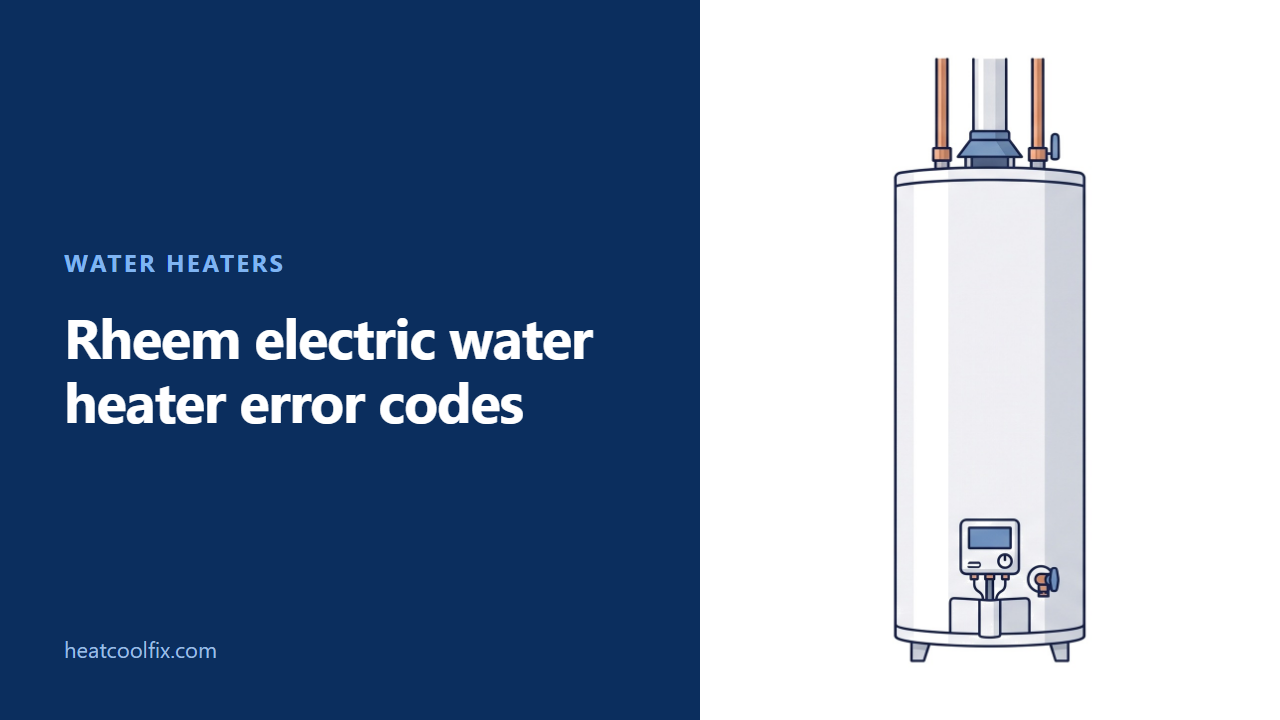
On the Gladiator electronic control covered by Rheem manual AP20070 Rev 1, a solid red Service Needed light is an alert. Repeating groups of one to five blinks are shutdown alarms. Count the blinks between pauses, then use that control's table below.
Rheem electric water heater error codes need a control match first: on the Gladiator panel covered here, the Service Needed light carries the fault information. The temperature setting beside it is not the error code.
This guide uses Rheem’s electronic control manual AP20070 Rev 1. Its chart separates a steady light from repeating blink groups, and some groups have several possible causes. Keep the whole pattern when asking for help.
Before you start
What to carry: a torch, your phone and the paperwork supplied with the heater. Record the model and serial number, the light pattern and whether hot water is still available.
Gas or electric? This page covers an electric storage tank with the pictured style of electronic control. For a pilot and gas valve light, use Rheem gas water heater status lights. A tank with a heat pump on top belongs with the Rheem hybrid alarm table.
Renting? Send the readings to the person responsible for the heater before arranging work inside it.
Rheem says to switch off the breaker after overheating, fire, flooding or physical damage. Keep away from wet electrical equipment. Its operating precautions also prohibit powering the heater with an empty tank or a closed cold water supply valve.
Find the Service Needed pattern
Separate a steady light from a blink count
Watch the Service Needed light through a complete repeating group. Rheem lists a solid red light as an alert and groups of one, two, three, four or five red blinks followed by a pause as alarms.
In Rheem’s chart, an alert leaves the heater operational. An alarm shuts it down. That distinction helps explain why one owner still has hot water while another sees the same words on the panel and has none.
Rheem says the EcoNet app gives the specifics behind its alerts and alarms. If it is already connected, capture that message alongside the blink count before pressing Clear Alarm.
Gladiator electric tank code table
These are the families in Rheem’s page 19 chart for this control. A blink count can narrow the investigation without naming a single failed part.
| Service Needed light | What Rheem lists | Where to go next |
|---|---|---|
| Solid red | An alert: leak sensor disconnected, configuration restore failure, valve unable to close during self check, communication error, or leak override active | Read the app detail and the alert section below |
| One blink, pause | Lower temperature sensor disconnected or failed | Service diagnosis of that sensor circuit |
| Two blinks, pause | Water touching the leak sensor, or a shutoff valve fault | Look for water in the pan before treating it as a valve problem |
| Three blinks, pause | Tank not filled with water | Keep power off until filling is confirmed |
| Four blinks, pause | Element or ECO wiring, crossed element wires, a tripped ECO, or element failure | Electrical and temperature limit investigation |
| Five blinks, pause | Element relay, temperature conversion, board temperature protection, or upper temperature sensor trouble | Control and sensor diagnosis |
Two blinks: check for water before clearing anything
Look at the pan and surrounding floor
Rheem’s two blink list starts with water touching the wick or rope sensor. Look without reaching into an electrical compartment. If there is water in the pan, Rheem directs you to service.
The same count also covers valve input errors and failures to open, close or reopen. A dry pan therefore leaves more than one possibility. Give the service person the app’s full message, along with what you found around the tank.
For a dry pan, Rheem’s chart describes drying and reinstalling the sensor. Since that involves the heater’s components, leave access and disconnection to the person servicing it. The water heater leak guide helps describe where visible water begins.
Three blinks: the tank must be full
Keep the elements off while the tank is filled
Rheem identifies three blinks as a tank not filled with water. Switch off the breaker before addressing filling, especially after installation, draining or plumbing work.
Rheem’s filling instructions require the drain valve closed, the cold supply valve open and each hot faucet opened slowly to vent air. A steady flow from the hot faucets indicates a full heater. If the supply is unavailable or a leak prevents filling, leave the power off.
The code chart calls for filling the tank and recycling power. Restore power only after the filling conditions are met. If the alarm returns, report that the tank was filled.
Solid red, four blinks and five blinks
Use the detail to arrange the right repair
A solid red alert. Rheem includes both communication trouble and water protection issues here. A WiFi or control communication error also turns the WiFi light red. A disconnected leak sensor and a valve that cannot close need different attention, even if heating continues.
Four blinks. Rheem includes a tripped temperature limit, called the ECO, alongside element and wiring faults. Its safety control instructions require a qualified technician to investigate overheating and correct the cause before the heater returns to service.
Five blinks. Rheem’s possibilities include a stuck element relay, temperature conversion errors, board temperature protection and an upper sensor failure or disconnection. Its chart sends these to service.
What each one takes
| Finding | Work involved |
|---|---|
| Light pattern or app message | Record it from outside the heater |
| Two blinks with water present | Find and correct the leak, then assess the sensor and valve |
| Three blinks after draining | Complete filling with power off before restarting |
| One, four or five blinks | Qualified diagnosis before ordering electrical parts |
| Steady red communication alert | Identify the app or network message before choosing a repair |
Questions people ask
What does Clear Alarm actually do?
Rheem says pressing it silences the beep, while the alarm condition remains until corrected. Silencing the sound is not confirmation that heating or leak protection has returned to normal.
Can I use the leak override to get hot water?
Rheem describes a 24 hour override but requires finding the leak source first. If the heater itself is leaking, its direction is to obtain service. Do not use the override to keep a leaking tank operating.
Does E5 mean five Service Needed blinks?
The AP20070 Rev 1 chart uses blink groups, not an E5 display entry. Keep the letter and number on a different control intact and obtain its own manual before applying a meaning.
Where is Rheem electric water heater code 12?
Rheem’s AP20070 Rev 1 table has no code 12 entry; its alarm groups run from one to five blinks.
Can the heater show more detail without home WiFi?
Rheem’s page 23 describes local Diagnostic Mode through the EcoNet app. For this control, it provides detailed alarm history and network information through a direct connection to the heater.
The other water heater guides: Rheem water heater not heating, water heater leaking, and no hot water in the house.
Sources: Rheem Electric Residential Water Heaters With Electronic Control, Use & Care Manual AP20070 Rev 1, pages 6, 12, 17, 19 and 23