Heat Storm Heater Error Codes: EE, EO, E1 and UH
 By Ray Bennett · Updated 23 October 2026 · 6 min read · Checked against the maker’s manual
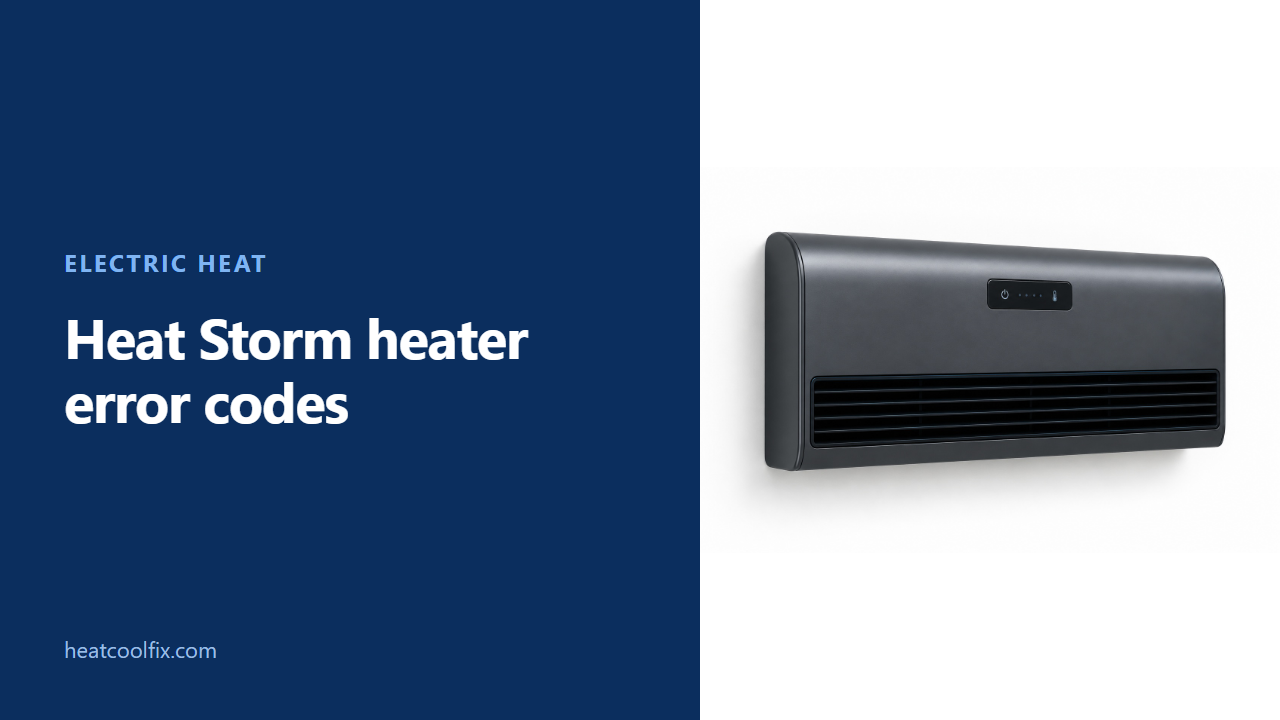
On Heat Storm's HS-1500-PHXG-WI V2 manual, EE is a temperature-probe error, EO is a program-setup failure and E1 is a tip-over error. UH means incorrect high-voltage power: unplug immediately. Match the model before using this chart, and leave sensor, board and supply repairs to qualified service.
Heat Storm heater error codes need the model beside them. In Heat Storm’s HS-1500-PHXG-WI V2 manual, EE is a temperature-probe error, EO is a program-setup failure and E1 is a tip-over error. They call for different responses.
The same manual says UH means an incorrect high-voltage power supply and requires immediate unplugging. Do not put that message through an ordinary cooling or factory-reset routine first.
This guide follows that specific wall heater manual. A different Heat Storm model needs its own instructions. For other electric heaters, start with our space heater troubleshooting guide or electric wall heater guide and keep their model rules separate.
Before you start
What to carry: a torch, your manual and a phone to record the display. Find the model on accessible paperwork or a label without opening the heater. Note whether the code appears at startup or after heating.
Gas or electric? The HS-1500-PHXG-WI covered here is electric. Heat Storm requires a direct wall-outlet connection and prohibits extension cords, surge protectors and power taps for this heater.
Renting? Send maintenance the model, exact display and any sign of cord, plug or mounting damage. Mention any reset already attempted.
Heat Storm’s UH instruction is to unplug immediately. Leave the supply and any wiring assessment to qualified electrical service. Do not use a succession of outlets as a way to keep a high-voltage warning running.
For an ordinary shutdown before cleaning or resetting, Heat Storm says to turn the controls off, wait for the fan to stop and then unplug. The manual says the blower continues after heating or power is switched off to cool internal components.
Heat Storm prohibits operation with a damaged cord or plug, after a malfunction, or after the heater has been dropped or damaged. Stop using it and arrange the inspection the manual requires. Do not open the cabinet or insert anything through an opening.
The manual reserves maintenance other than filter care for an authorized service representative. Sensor connections, circuit boards and electrical tests stay with service.
Read the HS-1500-PHXG-WI code literally
Photograph the letters before choosing a response
Heat Storm’s printed page 17 gives the following list. EO is printed with the letter O; the tip-over entry is E1. Keep the photo if the characters are hard to distinguish.
| Display | Heat Storm’s description | What to do with it |
|---|---|---|
| EE | Temperature sensor or probe error; heating element and fan off | Unplug and arrange sensor diagnosis |
| EO | Program setup failure | Use the manual’s unplug and reconnect instruction only if no unsafe condition is present |
| E1 | Tip-over error; heater and fan off | Check correct upright wall mounting before reactivation |
| UH | Incorrect high-voltage power supply | Unplug immediately and have the supply assessed |
| LO | Temperature below 16 F, or minus 9 C | Record the surrounding conditions and confirm this model |
| HI | Temperature above 99 F, or 37 C | Record the surrounding conditions and seek service if the reading is unexplained |
Heat Storm’s LO and HI entries are temperature thresholds. The table does not call either message proof of a failed probe. Avoid choosing a replacement sensor from those letters alone.
EE and EO: keep internal repairs out of the reset
Separate a sensor fault from program setup failure
For EE, Heat Storm names a loose, disconnected or damaged temperature sensor as things to check after unplugging. Those internal checks belong to service here, consistent with the manual’s maintenance limit. Do not remove the case to reseat a connector.
For EO, Heat Storm says to unplug and plug in again. If the error persists, its code entry calls for circuit-board replacement. That is service work, not an instruction to buy a board without confirming the model and fault.
The manual also gives a separate factory reset: switch the heater off and allow its elements to cool, then unplug and reconnect it. Within one minute of reconnecting, press and hold the on/off icon until the heater beeps.
Heat Storm gives no fixed button-holding duration in that procedure. Do not substitute an invented number of seconds. Use the normal fan-stop shutdown before unplugging, and do not use a reset to override UH, damage or an unresolved sensor fault.
E1: this model still belongs on the wall
Confirm upright, secure installation
Heat Storm says E1 turns the heater and fan off. Its code instruction is to reposition the heater upright and press the on/off icon to reactivate it.
That instruction sits beside an important installation limit: the same manual requires wall installation and says not to prop the heater against objects. Do not interpret the tip-over entry as permission to stand this model on the floor.
If the mounting is loose, the heater has fallen or there is visible damage, leave it off for the required repair or inspection. Correct upright mounting comes before any reactivation. Do not bypass the tip-over protection.
Filter care and a fan that keeps running
Clean only the owner-serviceable filters
Heat Storm recommends filter cleaning monthly or as needed. After the ordinary off, fan-stop and unplug sequence, its vacuum method is to pass the wand gently over the filter cover. Leave both the cover and filter in place for that method.
For washing, Heat Storm identifies two filters, one on each side. Press both cover tabs, remove the cover and filter, and note the normal airflow direction. Run warm tap water through the filter against that direction until the water runs clear.
The manual permits a little mild dish soap, followed by a thorough clean-water rinse. Shake off excess water and let the filter drip dry completely. Heat Storm prohibits forced drying; reinstall the fully dry filter and its cover before use.
In its troubleshooting section, Heat Storm says a cooling fan can continue for up to 12 minutes. It also describes brief fan runs that assess room temperature. A running fan alone is therefore not the same as an error code or proof of a failed control.
What each one takes
| Finding | Work involved |
|---|---|
| EE | Authorized sensor and connection diagnosis |
| EO that returns | Model-specific control-board service |
| E1 with loose mounting or damage | Secure installation or inspection before use |
| UH | Immediate unplugging and qualified supply assessment |
| Dirty filters without an unsafe condition | Owner filter care after cooling and unplugging |
Questions people ask
Where is the Heat Storm error code manual?
Heat Storm’s official manuals page links the PHX Wi-Fi guide. This article uses its HS-1500-PHXG-WI V2 manual, with the error list on printed page 17. Match your model before applying it.
Does EE mean the room is too cold?
Not in this manual. Heat Storm calls EE a probe error. Its low-temperature message is LO, below 16 F or minus 9 C.
Is EO the same as E1?
No. The HS-1500-PHXG-WI list gives EO for program setup failure and E1 for tip-over. Photograph an unclear display instead of guessing.
Should I factory reset a UH warning?
No. Heat Storm’s specific UH instruction is immediate unplugging. Arrange electrical assessment rather than treating it as an ordinary control reset.
Can I speed up drying a washed filter?
Heat Storm says not to force the drying process. Let the filter drip dry completely, then reinstall it and its cover.
Sources: Heat Storm HS-1500-PHXG-WI User Manual V2, official 2024 PHX-WIFI PDF, printed pages 3 to 5, 9, 14, 16 and 17. Saved from Heat Storm's official manuals index; code glyphs checked on the original page 17.
Read next
 Electric heat
Honeywell Heater Error Codes: E1, Beeps and Shut Offs
On a Honeywell space heater, E1 is about the tip-over switch. The HZ-960, HZ-970 and HZ-980 manual says the heater is tipped
 Electric heat
Pelonis Heater Error Codes: E1, E2, E3, FF and P4
On Pelonis digital space heaters, E1 or E2 means the temperature sensor has a short or open circuit. FF is the over
 Electric heat
Dreo Heater Error Codes: E1, E2, FF, F2, P4 and PP
Dreo heaters show a code on the LED display, and Dreo's own product pages explain them. FF or F2 is overheat protection:
 Electric heat
De’Longhi Heater Error Codes: Dragon Ht and PF
De'Longhi's US TRD40615E Dragon manual identifies Ht as high internal temperature and PF as probe failure. Ht calls for checking that the