Weil-McLain Evergreen Error Codes and Lockout Messages
 By Ray Bennett · Updated 23 October 2026 · 10 min read · Checked against the maker’s manual
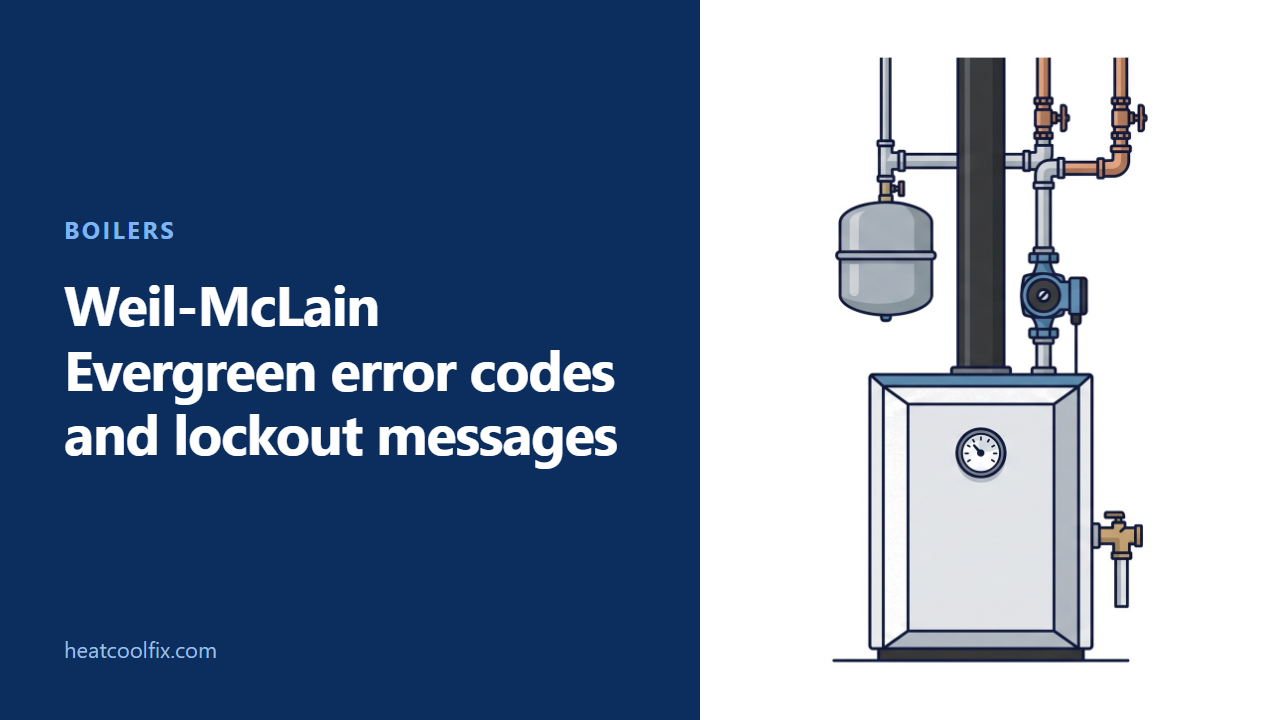
A Weil-McLain Evergreen Pro shows its faults as words, not numbers: the display turns red and names the fault, such as IGNITION FAULT, LOW WTR CUTOFF OPEN or Hardware Fault, and a flashing display means a lockout. Select MANUAL RESET on the status screen to reset it, and call for service if the fault continues. A wrench symbol or a maintenance screen is a service reminder.
Weil-McLain Evergreen error codes are words, not numbers. When the Evergreen Pro boiler has a fault, its control display turns red and names it, such as IGNITION FAULT, LOW WTR CUTOFF OPEN or Hardware Fault. A flashing display means the boiler is in lockout.
Some messages reset themselves when the condition clears, and some need the manual reset on the display. Everything below comes from Weil-McLain’s own boiler manuals and user’s information manuals for the Evergreen Pro, sizes 110 and 155 and sizes 220 to 399.
Before you start
What to carry: a torch, a pen, and paper for the message, the time it happened and the CP number. Weil-McLain asks for the model number from the rating label and the CP number from the boiler cabinet when you call about the boiler.
Gas or electric? Gas. The Evergreen Pro is a condensing gas boiler.
Which size is it? The size is in the model number on the rating label. Sizes 110 and 155 have one set of manuals, and sizes 220, 299, 300 and 399 have another. The fault messages below are from the 110/155 boiler manual; the 220 to 399 manual lists the same names.
Renting? Send the message, the size and whether you still have heat to whoever arranges repairs.
What Weil-McLain says to do: do not try to light any appliance, do not touch any electrical switch, and do not use any telephone in your building. Call your gas supplier at once from a neighbor’s telephone and follow its instructions, or the fire department if you cannot reach the supplier.
If the boiler overheats, keep the circulator powered. Should the boiler overheat or the gas supply fail to shut off, Weil-McLain says not to turn off or disconnect the electrical supply to the circulator. Shut off the gas supply at a location outside the boiler instead.
Been under water? Do not use the boiler if any part has been under water. Weil-McLain says to call a qualified service technician at once to inspect it and replace any part of the control system and any gas control that has been under water.
Never add cold water to a hot boiler. Weil-McLain says the thermal shock can crack the heat exchanger.
Red, flashing or blue: what the screen means
Weil-McLain’s boiler manual gives the display’s states. The display turns red because of an error or limit event, and a flashing display means a lockout condition: the screen flashes between red and gray. Blue on its own is normal: the display lights blue while the boiler heats the house and purple while it heats hot water. A blue display that toggles to a maintenance screen, with a wrench symbol in standby, means maintenance is due. That shows during standby only, and the boiler operates as normal.
One state that is not a fault at all is WWSD, warm weather shut down. The boiler will not fire for space heating when the outside temperature is above the WWSD setting, and hot water from the boiler (DHW) is not affected.
Resetting a lockout
Weil-McLain’s user’s information manual gives the owner these steps:
- During a fault, the status changes to LOCKOUT and the time and date line alternates with the fault name. MANUAL RESET appears on the Boiler Status screen.
- Select MANUAL RESET to reset the fault.
- The MANUAL RESET screen shows whether the fault was a manual or automatic reset, its name, and the time and date it happened. Write those down.
- Call for service if the fault continues.
The boiler manual tells technicians not to leave the boiler operating without a complete diagnosis of what caused the outage. The control keeps its last three lockouts, with the boiler’s condition at the time, in a PAST ERRORS list your technician can read.
What the messages mean
Selected rows from Weil-McLain’s fault table in the Evergreen Pro 110/155 boiler manual:
| Message | What Weil-McLain’s table says | How it resets |
|---|---|---|
| IGNITION FAULT | 5 ignition attempts and no flame detected, or the flame signal never reached the minimum | Itself after 1 hour, or manual reset |
| LOW WTR CUTOFF OPEN | The internal low water cutoff contacts opened | Manual reset if open longer than 5 seconds |
| HIGH TEMP LIMIT | The boiler reached its high limit setting (no higher than 200°F) | Manual reset |
| LIMIT OPEN | A manual or automatic reset limit opened | Manual limit: manual reset |
| FLUE TEMP TOO HIGH | Flue temperature above 210°F (warning) or 220°F (lockout) | Manual reset above 220°F |
| TEMP RISE TOO QUICKLY | Water in the heat exchanger rose faster than 2°F a second in the burner’s first two minutes | Itself after 1 minute; manual after 5 automatic resets in one heat demand |
| SUPPLY 58° F > RETURN | Water leaving is more than 58°F hotter than water coming back | Itself 30 seconds after it clears |
| FLAME FAULT | Flame detected when there should be none | Manual reset |
| GAS VALVE FAULT | A problem with the gas valve output circuit | Retries; manual reset if locked out |
| BLOWER FAULT | Blower cannot reach its speed, or does not stop when turned off | Manual reset; checks again after 1 hour |
| AIR PRESSURE Switch Open | The air pressure connection is open | Manual reset |
| TEMPERATURE SENSOR FAULT | A sensor has shorted or come disconnected | Itself when the condition clears |
| OUTDOOR SENSOR ERROR | The outdoor sensor is shorted or open; a warning only | Itself when the condition clears |
| Hardware Fault | A RAM or ROM error on the main board, or communication cut off | RAM or ROM errors: manual reset |
| DISPLAY COMM Fault | The display has lost communication for 30 seconds | Itself when communication returns |
For a Hardware Fault, Weil-McLain’s next step is to check for hardware damage, and if the problem persists, to replace the main board. That is a technician’s job.
What you can check
Write down the message, then reset once
Note the message, whether the screen is red or flashing, and the time and date. Then use MANUAL RESET as above. Weil-McLain’s monthly owner check includes the date and time on the display, because keeping them current makes sure the control records problems accurately.
Blank screen: the switch and the breaker
For a blank display with nothing else running, the first check in Weil-McLain’s troubleshooting table is that the service switch and/or circuit breaker to the boiler is turned on. If they are on and the screen is still blank, the next checks are the power supply and the control’s fuses, which are for a technician.
IGNITION FAULT: the vent and air intake outside
One of Weil-McLain’s checks for IGNITION FAULT is the flue pipe and intake pipe, for restrictions or blockage. Its user’s manual also says the boiler has a control that shuts it down if the air or vent is blocked. If the blockage is easy to reach and remove, remove it, and the boiler should try to restart within an hour. If the blockage is not obvious or cannot be removed, have the boiler and system checked by a qualified service technician.
Its daily owner check is that the vent discharge and air intake are clean and free of obstructions, with any debris removed. Each month, look along the vent and air piping for any sign of blockage, leakage or deterioration, and tell your technician at once if you find a problem. Its daily owner check also includes the boiler’s front (jacket) door: it must be securely closed and latched, and Weil-McLain says to contact your installer or technician at once if it does not close correctly or its gaskets are damaged.
IGNITION FAULT: the condensate trap
One of Weil-McLain’s checks for IGNITION FAULT is the condensate trap, for a blockage that lets condensate collect inside the heat exchanger. On sizes 110 and 155, the user’s manual has the owner look at the drain tubing and its end, to see that condensate can run freely. On a floor stand, the trap sits behind the stand’s front access panel, and Weil-McLain says to interrupt the electrical supply and let the boiler cool before any maintenance. Then look at the trap under the boiler: the ball float in place and free to move, and water in the trap.
Weil-McLain says the trap must have water in it whenever the boiler runs, because a dry trap can let flue gas out through the condensate drain line. On sizes 110 and 155, contact a boiler service technician at once if you find the trap dry. On sizes 220 to 399, the user’s manual has its own steps for the drain line and for refilling the trap, and says to call a qualified service technician if the problem persists regularly.
LOW WTR CUTOFF OPEN: read the gauge
Weil-McLain’s first check for this message is for a low water condition in the system, which is a repair for a technician. Read the pressure/temperature gauge and give your technician the number.
Weil-McLain’s daily owner check is that the gauge does not read above 24 psig (on sizes 220 to 399, with the typical 30 psig relief valve), since higher pressure may mean a problem with the expansion tank. If the relief valve often weeps, Weil-McLain says the expansion tank may not be working properly; contact a qualified service technician at once to inspect the boiler and system. If you find a water leak around the piping, call a qualified service technician to repair it at once.
The maintenance screen and the yearly start up
The maintenance screen is a reminder, not a fault: your contractor sets how often it comes up, and the default is 12 months. Weil-McLain says the boiler must be inspected and started up by a qualified service technician at the beginning of every heating season, and serviced at least once a year.
What each one takes
| What you see | What the work involves |
|---|---|
| A lockout that resets and stays clear | Nothing more; note the message in case it returns |
| Blank screen | Checking the service switch and breaker; a technician for fuses |
| IGNITION FAULT | Clearing the vent and air intake; a technician if not obvious |
| Dry condensate trap | Sizes 110/155: a boiler service technician, at once; sizes 220 to 399: the user’s manual’s refill steps, and a technician if it persists regularly |
| LOW WTR CUTOFF OPEN | A technician for the low water condition |
| Hardware Fault that persists | A technician; Weil-McLain’s fix is the main board |
| Maintenance screen or wrench symbol | The scheduled service by a qualified technician (12 months by default) |
Questions people ask
What is a hardware fault on a Weil-McLain Evergreen?
A RAM or ROM error on the micro-controllers of the main board, or communication cut off. Weil-McLain says RAM or ROM errors can be reset with the manual reset, and if the problem persists, the main board is replaced.
How do I reset a Weil-McLain Evergreen boiler?
Select MANUAL RESET on the Boiler Status screen. The next screen shows the fault’s name and when it happened. Call for service if the fault continues.
Why is my Evergreen screen red?
An error or limit event. If it is also flashing between red and gray, the boiler is in lockout and MANUAL RESET appears on the Boiler Status screen; some faults, such as IGNITION FAULT, also reset themselves.
Why is my Evergreen screen blue?
Blue is normal while the boiler heats the house. A blue screen that toggles to a maintenance screen, with a wrench symbol in standby, means maintenance is due; the boiler operates as normal, and it is time for the service your contractor scheduled (every 12 months unless they set another interval).
What does IGNITION FAULT mean on an Evergreen?
The boiler went through 5 ignition attempts without detecting flame, or the flame signal never reached its minimum. It resets itself after 1 hour or with a manual reset. Weil-McLain’s checks include the condensate trap and the flue and intake pipes.
The other Weil-McLain guides: Weil-McLain boiler error codes for the Ultra, WM97+ and GV90+, and Weil-McLain AquaBalance error codes. For a boiler with no message at all, see boiler not working.
Sources: Weil-McLain Evergreen Pro condensing gas boiler manuals 550-100-210 (sizes 110/155) and 550-100-211 (sizes 220/299/300/399), and user's information manuals 550-100-212 (110/155) and 550-100-213 (220 to 399)
Read next
 Boilers
Lochinvar Noble Error Codes: Lockouts and Fault Messages
Lochinvar Noble error codes are words on the SMART SYSTEM display, such as Flame Fail: Ignition, Air Pressure Switch or LWCO. Faults
 Boilers
Weil-McLain ECO Tec Error Codes: Blower Fault and Lockouts
A Weil-McLain ECO Tec Series 2 names its faults on the touchscreen instead of using numbers. In a lockout the banner turns
 Boilers
Weil-McLain AquaBalance Error Codes: A01, F37 and A16
The Weil-McLain AquaBalance shows A or F with a number. A codes are hard lockouts: press RESET for 1 second once the
 Boilers
Bradford White Boiler Error Codes: Brute FT 10, 11 and 80
The Brute FT boiler shows Er: and a number on its display. Bradford White lists 10 as the flame going out eight